Split it fair. Be kvitt.
Kvitt works out who owes whom on the trip, at home or after dinner. Settle up and you are kvitt, Swedish for even.
or open Kvitt in your browser · Free, no ads.
Who owes what?
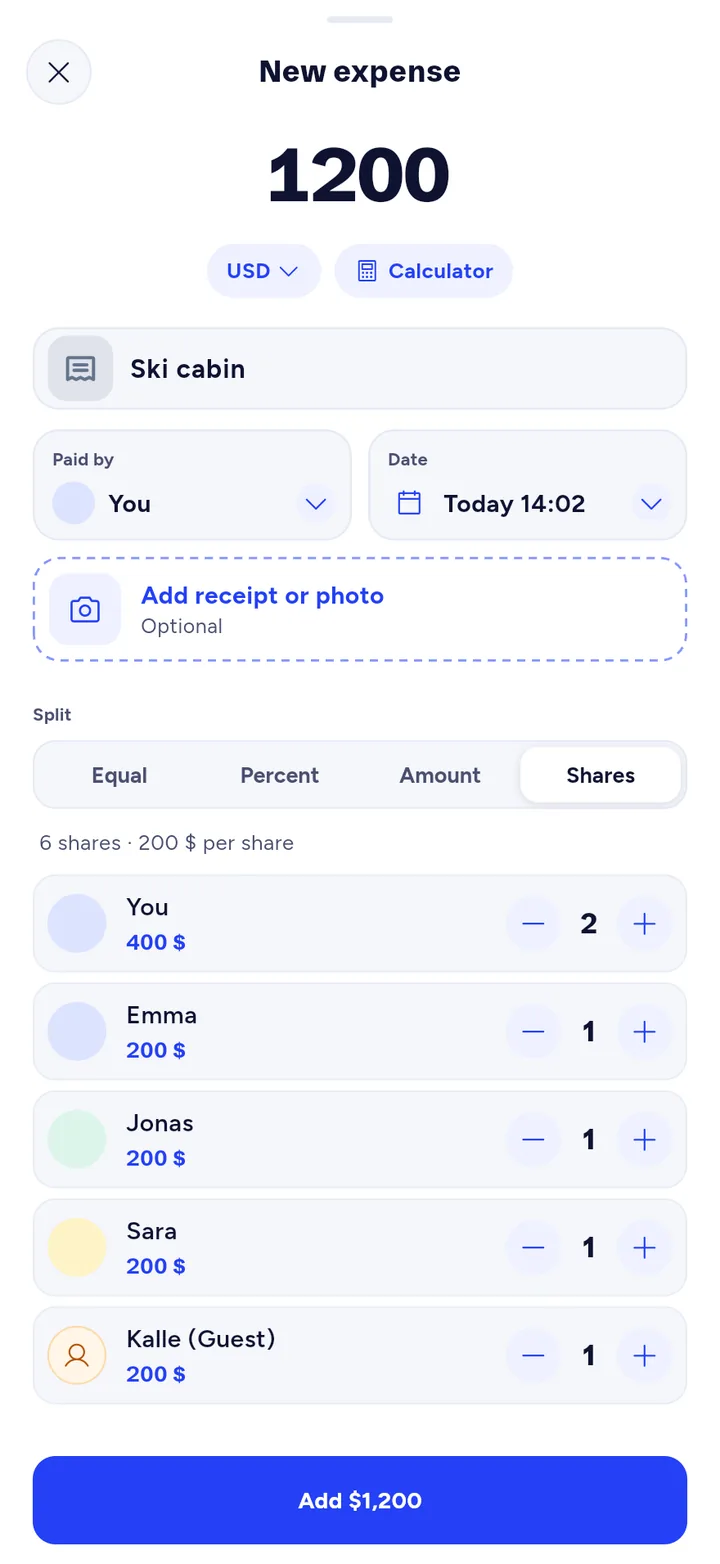
Type in what the cabin cost. Give your partner 2 shares if you pay for two, or 0 if someone sat it out.
The same maths as in the app, no account needed.
How it works
-
Create a group
One for the trip, one for the flat, one for pizza nights. Invite people with a link, a QR code or from your contacts.
-
Add the expense
The amount, who paid and how to split it: equally, by percent, by amount or by shares. Snap the receipt if you want to keep it.
-
See who owes what
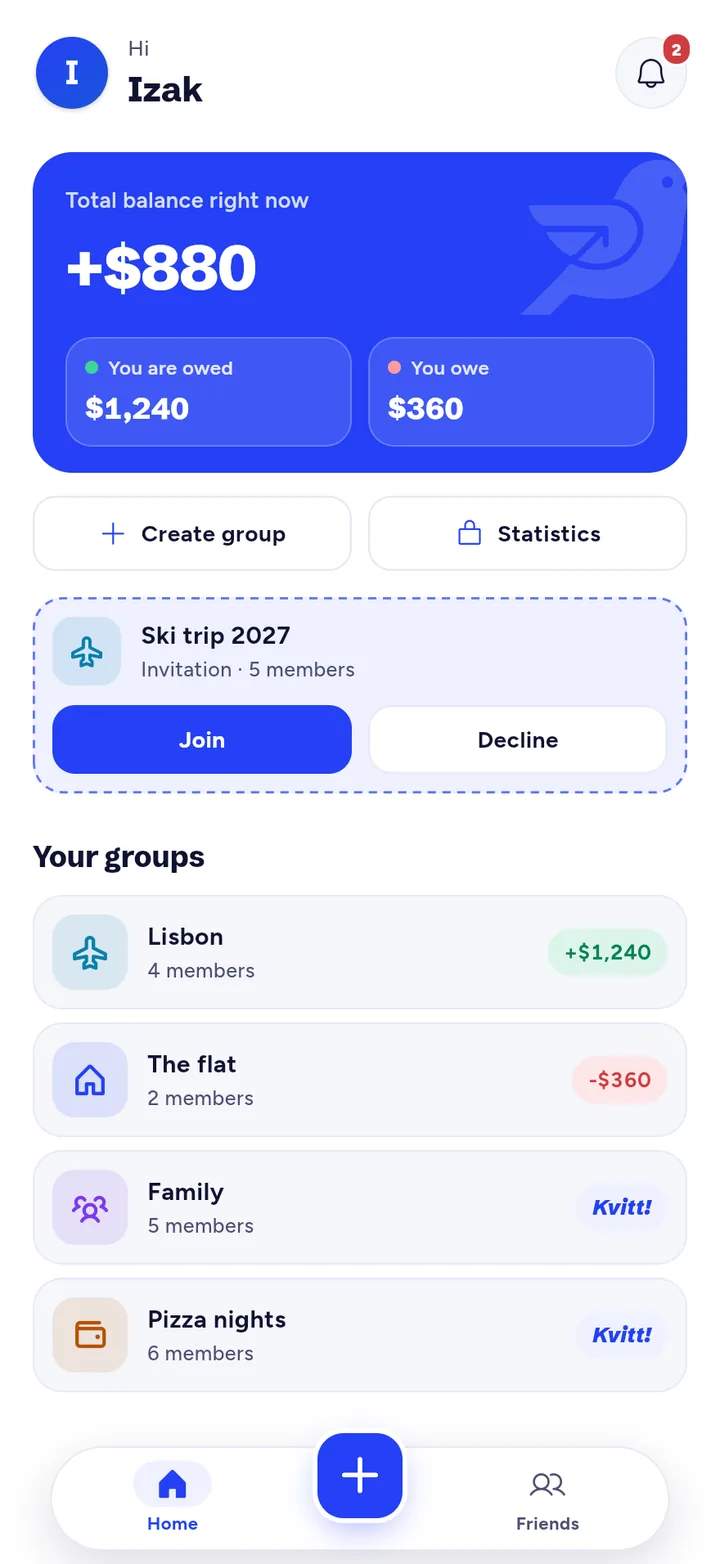
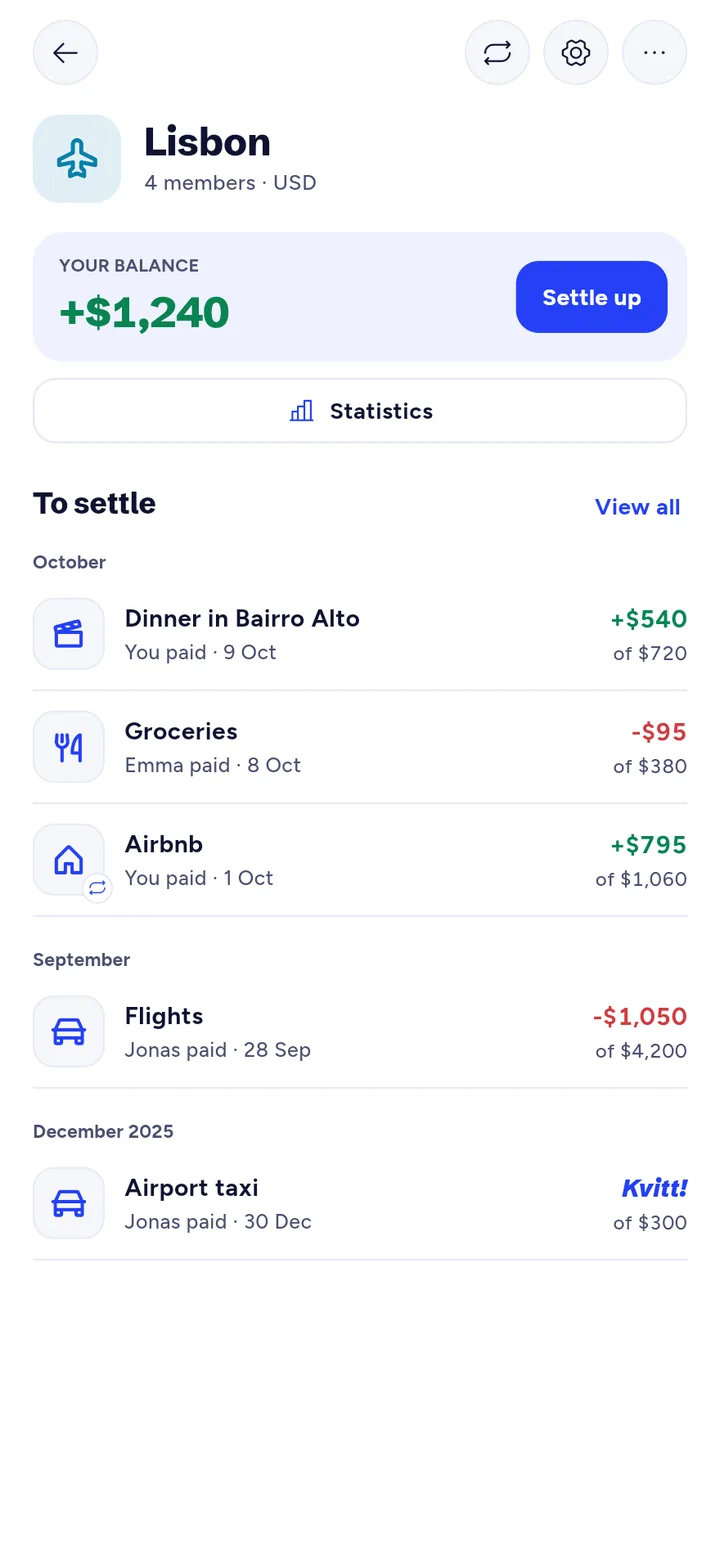
Every group shows your balance and what each expense means for you. The home screen adds up all groups.
-
Settle up
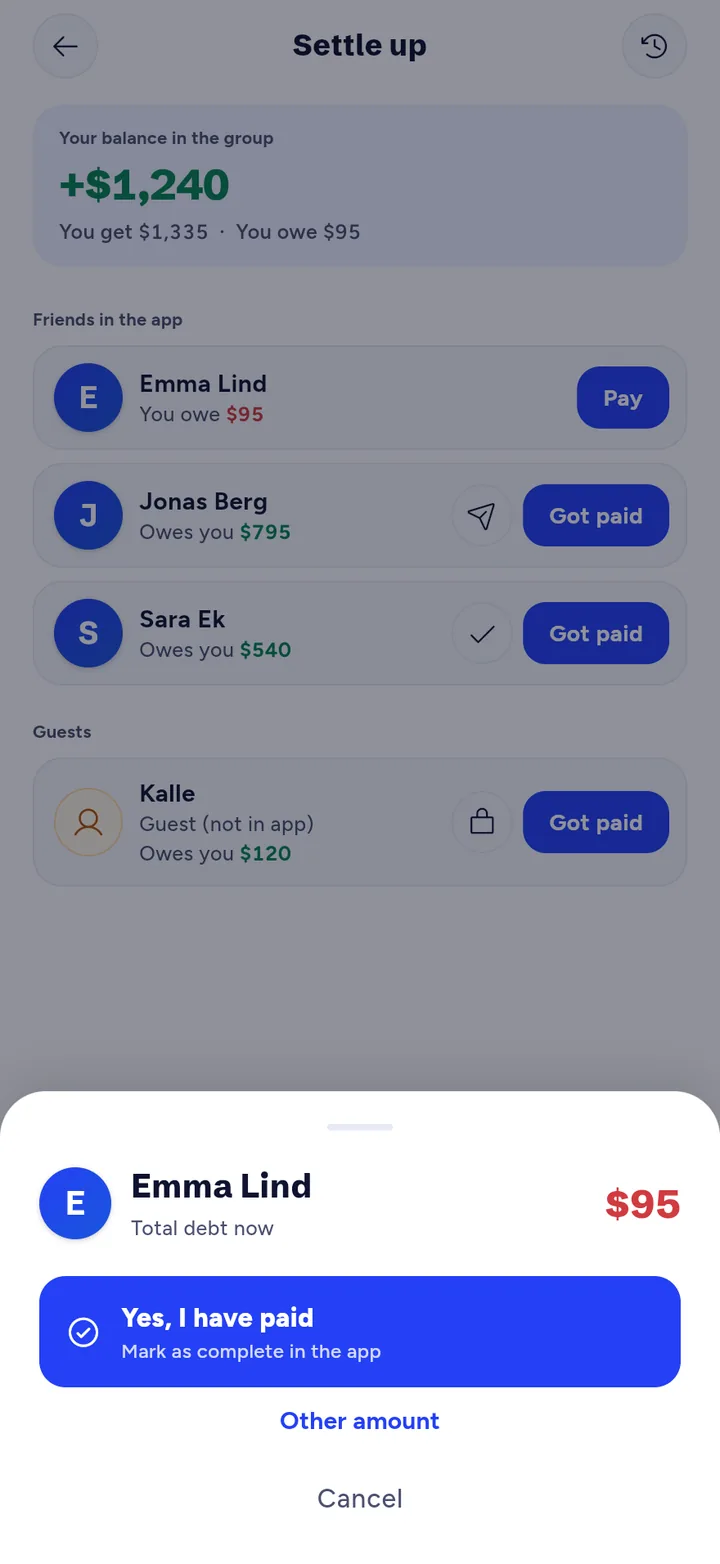
Pay with Swish in one tap in Sweden, or pay your way and mark it as paid. Then you are kvitt.
All of this is free
- Total balance
- The home screen shows what you get back and what you owe, across all groups.
- Four ways to split
- Equally, by percent, by amount or by shares.
- Friends
- The balance per friend, settled across all groups at once. Add friends with a QR code.
- Swish
- Pay straight from the app in Sweden and mark it as paid.
- Receipts
- A photo on every expense, visible to the whole group.
- Comments
- Ask about an expense right where it is.
- Currencies
- Each group has its own currency. Handy on trips.
- Statistics
- Where the money goes and who you share the most with.
- Notifications
- When someone adds an expense or pays.
- 9 languages and dark mode
- English, Swedish, Norwegian, Danish, German, Spanish, French, Italian and Portuguese.
No ads, in the free version or in Premium.
Friend without the app?
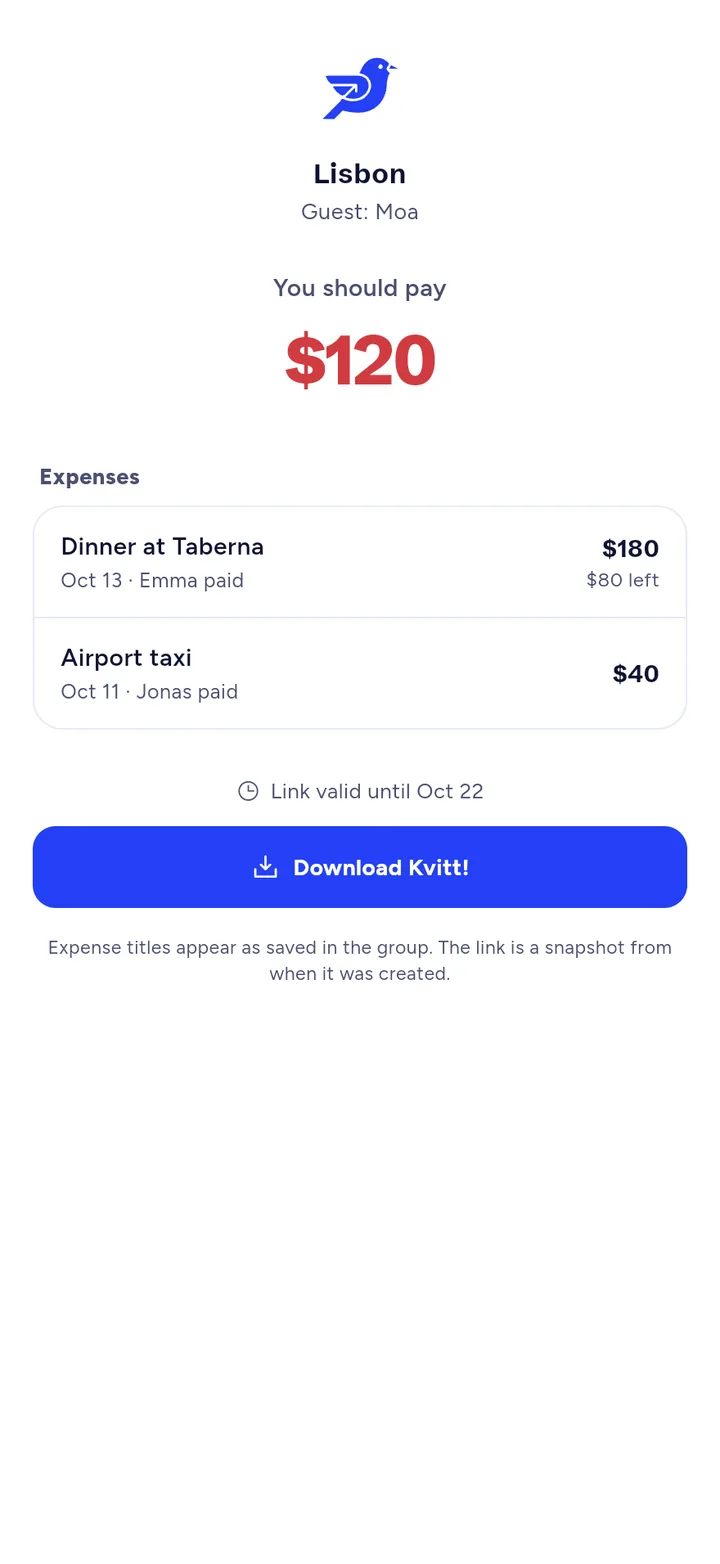
Send a link. Guests see what they owe through a private link, no account needed. If they start using Kvitt, they take over their expenses with a personal link.
Guests are part of Premium.
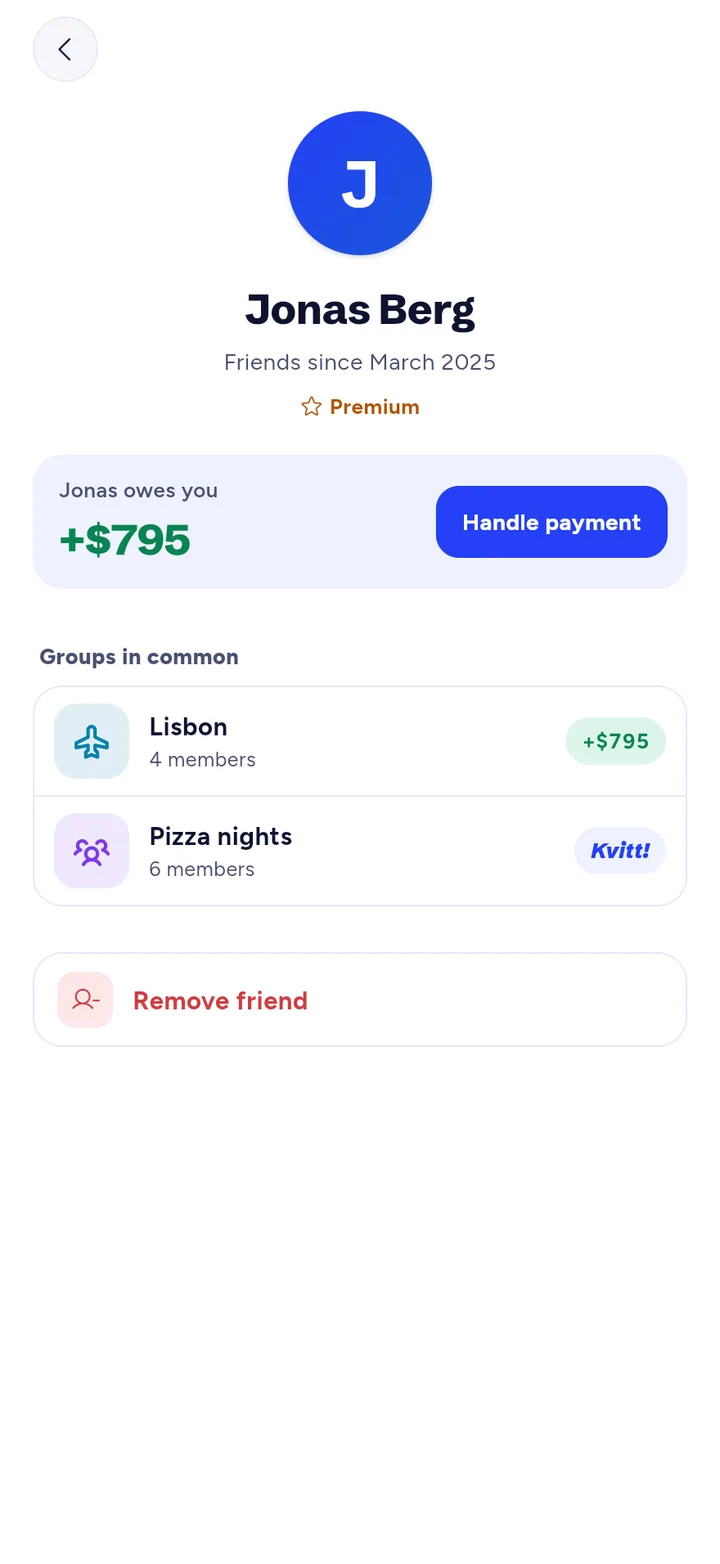
Everything between you two
The Friends tab shows what you owe each other in every group you share. Settle up across all groups at once.
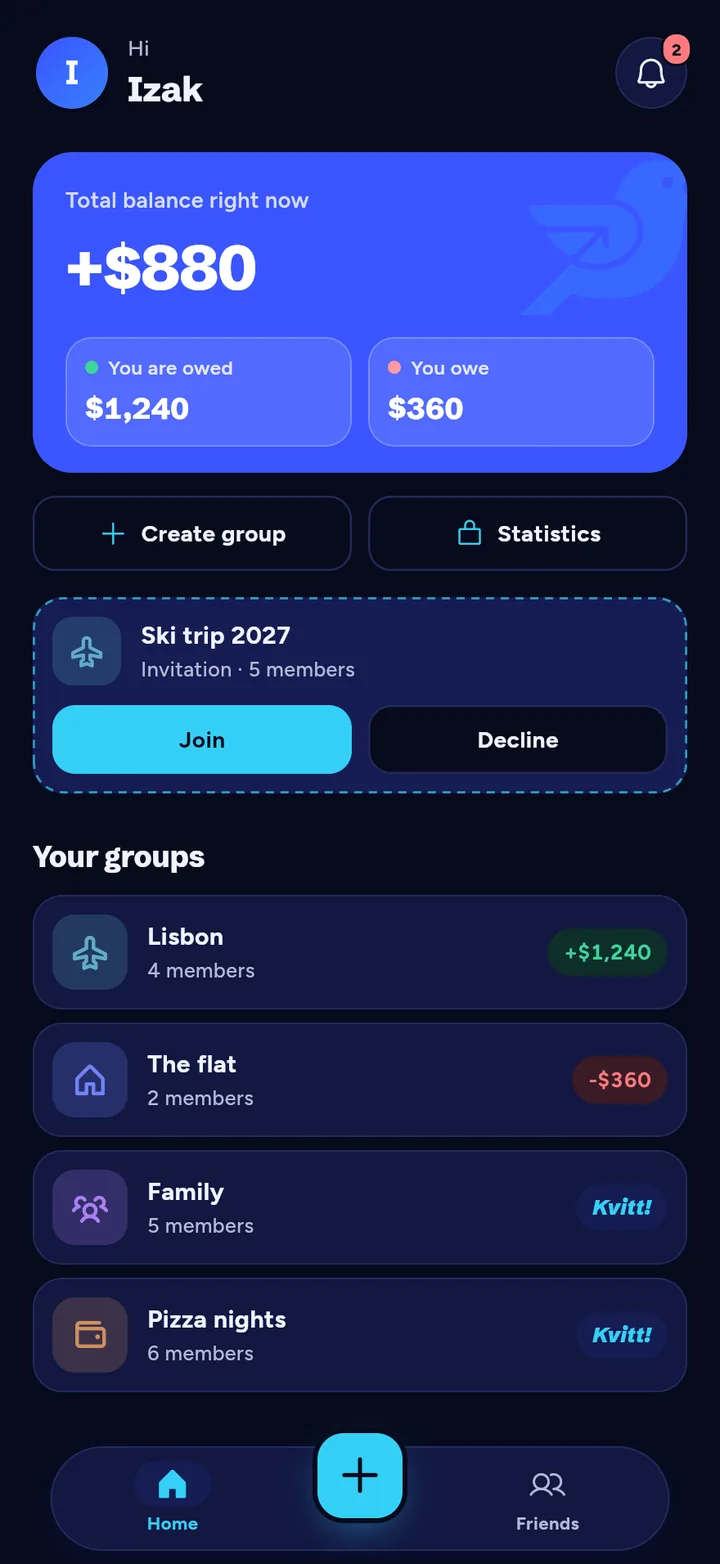
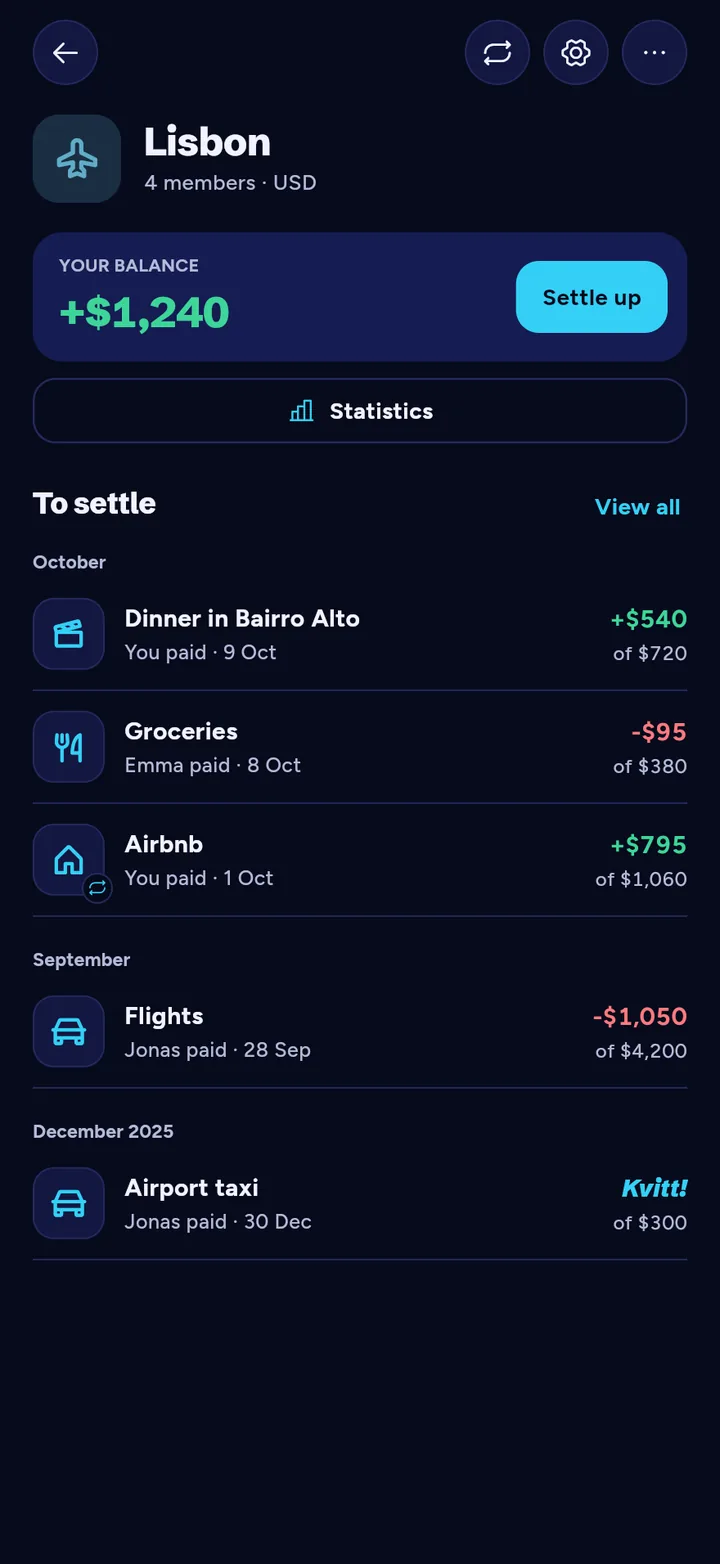
Just as clear in the dark
Kvitt follows your phone setting. Amounts, balances and buttons read just as easily at night.
Questions
What does kvitt mean?
It is Swedish for even: nobody owes anybody. When the balance hits 0, you are kvitt.
Does Kvitt cost anything?
No. The app is free and has no ads. Premium is optional, for recurring expenses, guests and export.
Can I use Kvitt on my computer?
Yes. Log in at kvittapp.com with the same account as on your phone. Everything syncs.
How is the balance calculated?
On the home screen the app sums your balance across all groups you belong to, giving a total overview of what you owe and what you are owed. In a specific group you only see your balance in that group.
Can I split an expense unevenly?
Yes. When adding an expense you can split equally, by percent, by exact amounts or by shares (for example 2 shares for a couple).
How do I register a payment?
Go to "Settle up" in the group and choose the person you want to pay. After you have paid them, tap "Yes, paid" to mark the payment as complete.
Can I use different currencies?
Yes. Each group has a group currency for settling debts. You choose a display currency under Language & region — balances and totals are shown in that currency. Expenses keep the currency they were entered in; payments are recorded in that same currency. Exchange rates are only used for display totals and show when they were last updated.
How do I save receipts?
When creating an expense you can upload a photo of the receipt. It is stored in the cloud so everyone in the group can see it.
What if I made a mistake?
You can always open a specific expense and edit the amount or members. All group members see when a change has been made.
What are guest members?
Guest members are temporary people without their own account. With Premium you can add them. Guests cannot be converted to a regular user account.
Get Kvitt
Free for iPhone and Android. Or log in straight from your browser.